:quality(80))
Choose the right setup for your RCS messaging, from everyday notifications and promotional campaigns to AI-powered conversations. This guide explains the billing categories, agent use cases and message formats to consider when getting started.
Recommended for most businesses
Choose Non-conversational billing and the Multi-use use case to send service updates and promotional messages from the same agent. For session-based AI chatbots, speak to Kudosity about Conversational billing.
1. Billing categories
Your billing category determines how your RCS messages are charged. Choose it when you create your agent.
| Billing category | How it works | When to choose it |
|---|---|---|
| Non-conversational - recommended | Messages are charged individually. | Everyday business messaging, including notifications, verification codes, reminders and promotional campaigns. Also suited to the No Code RCS Upgrade. |
| Conversational - for AI chatbot sessions | Messages within a qualifying conversation are grouped into a billable session. Messages outside a session can be charged individually. | Session-based AI chatbots that hold ongoing, back-and-forth conversations with customers. Contact Kudosity to discuss access. |
Non-conversational does not mean customers cannot reply. It describes the billing category, not whether you can exchange messages with a customer. You do not need to choose Conversational simply because you have customers that reply to your messaging.
2. Agent use cases
Your use case describes the purpose of the messages your agent will send. Multi-use is the recommended choice for businesses that need both service updates and promotional messaging.
| Use case | What it is for | Example messages |
|---|---|---|
| Multi-use - recommended for mixed messaging | Transactional updates and promotional messages from one agent. | Order confirmations, appointment reminders and special offers. |
| OTP | One-time passwords and verification codes only. | Login codes and account-verification codes. |
| Transactional | Service messages without promotional content. | Delivery updates, appointment reminders and account alerts. |
| Promotional | Marketing and promotional messages. | Sales announcements, product launches and special offers. |
Acceptable use
All RCS messaging must comply with Google's RCS for Business Acceptable Use Policy, which covers permitted content, customer consent and how customers unsubscribe.
Your messages must match your agent's registered use case and the consent customers have given. These requirements apply to all use cases, including Multi-use.
3. Message formats
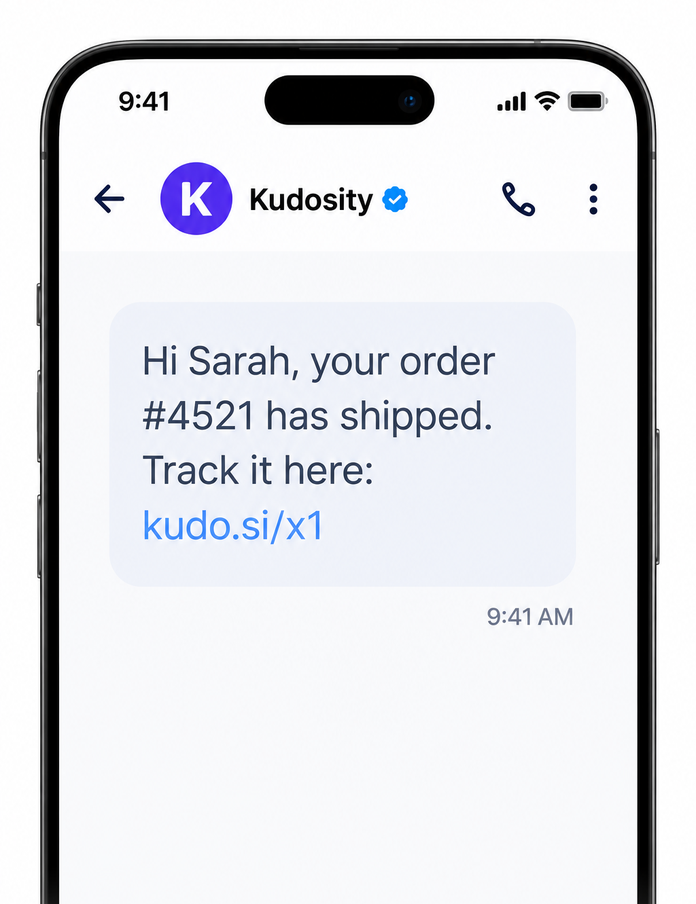
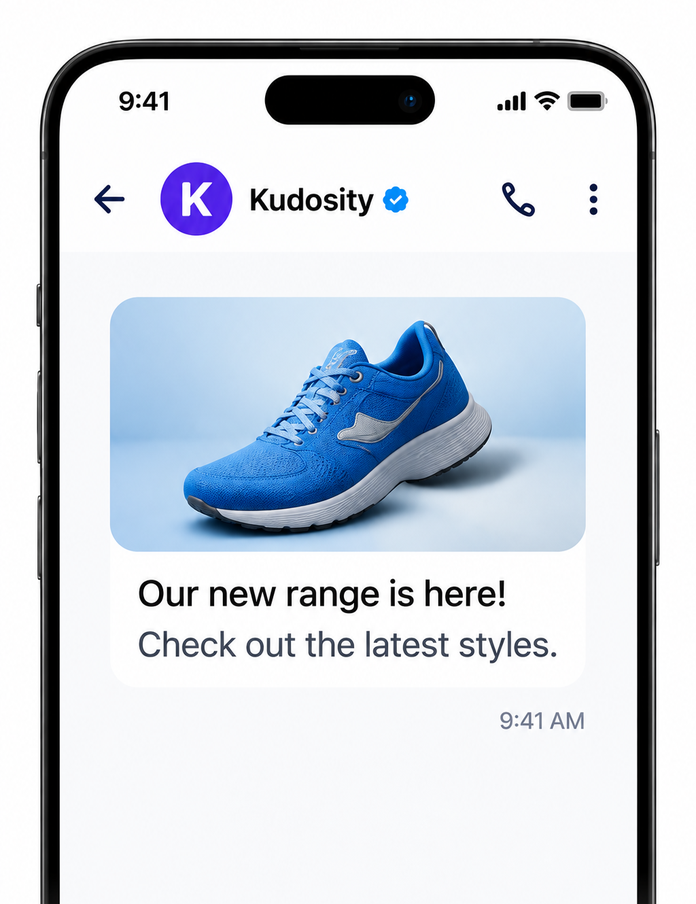
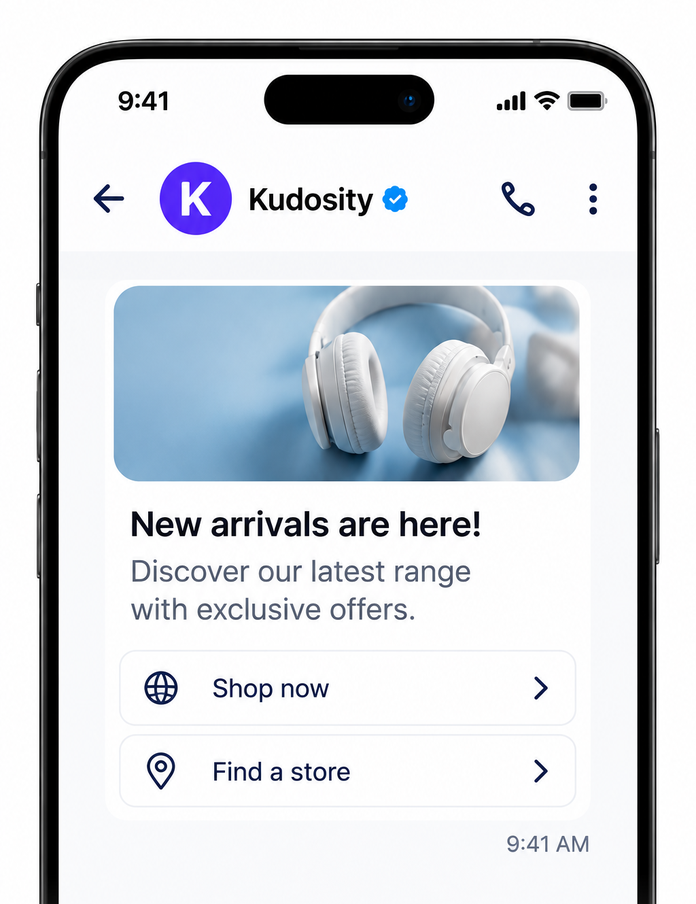
The examples below show what customers see with each message format.
Text
A text message from your branded business profile.
Text with an image or video
A single image or video with an optional caption.
Rich card
An image or video presented with a title, description and buttons.
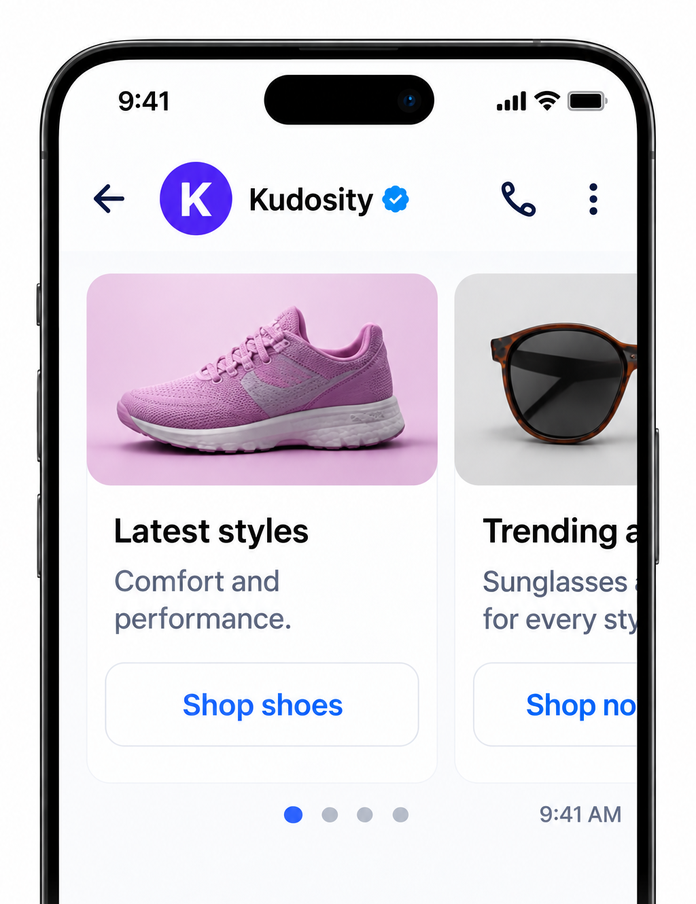
Carousel
A collection of rich cards customers can swipe through.
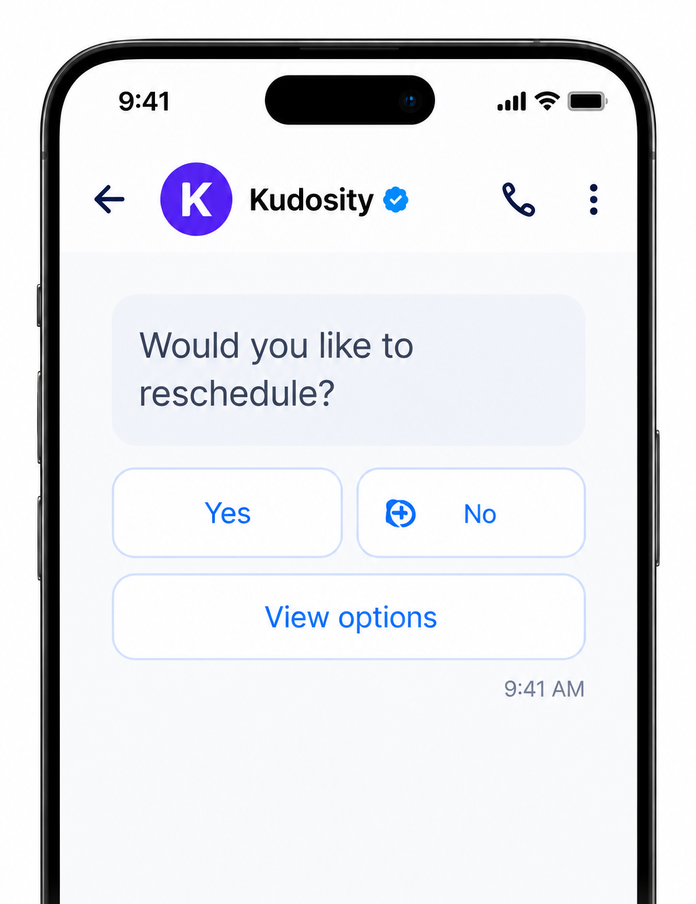
Suggested replies
Tappable options that send a predefined reply, such as “Yes” or “Reschedule”.
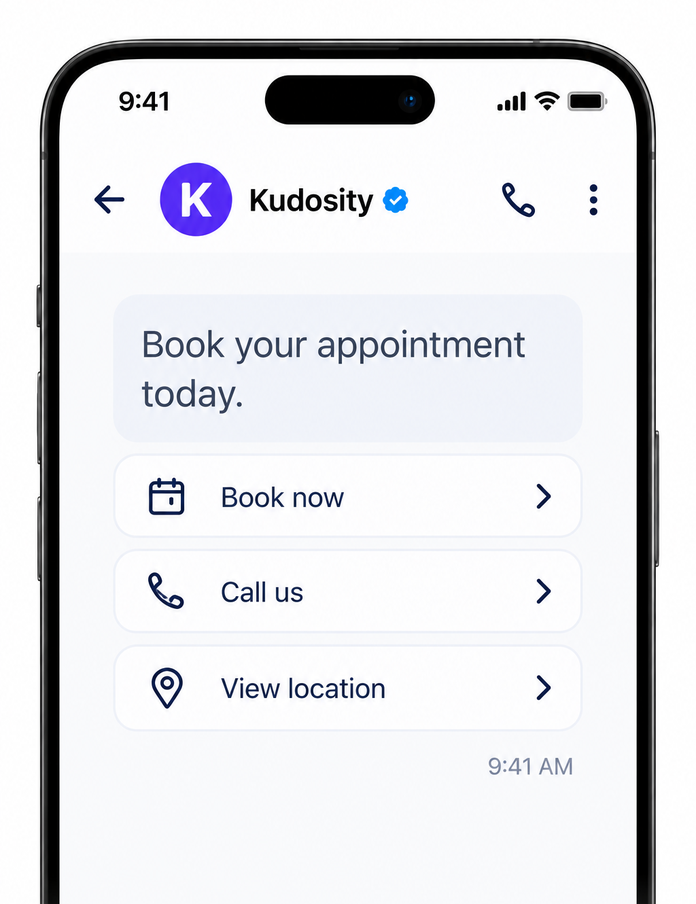
Suggested actions
Buttons that open a website, call a number, show a location or add a calendar event.
Using the No Code RCS Upgrade? Your existing SMS text is sent as an RCS text message from your agent. It does not automatically become a rich card or gain buttons. Other supported formats are sent through the RCS API.
:quality(80))
:quality(80))
:quality(80))
:quality(80))