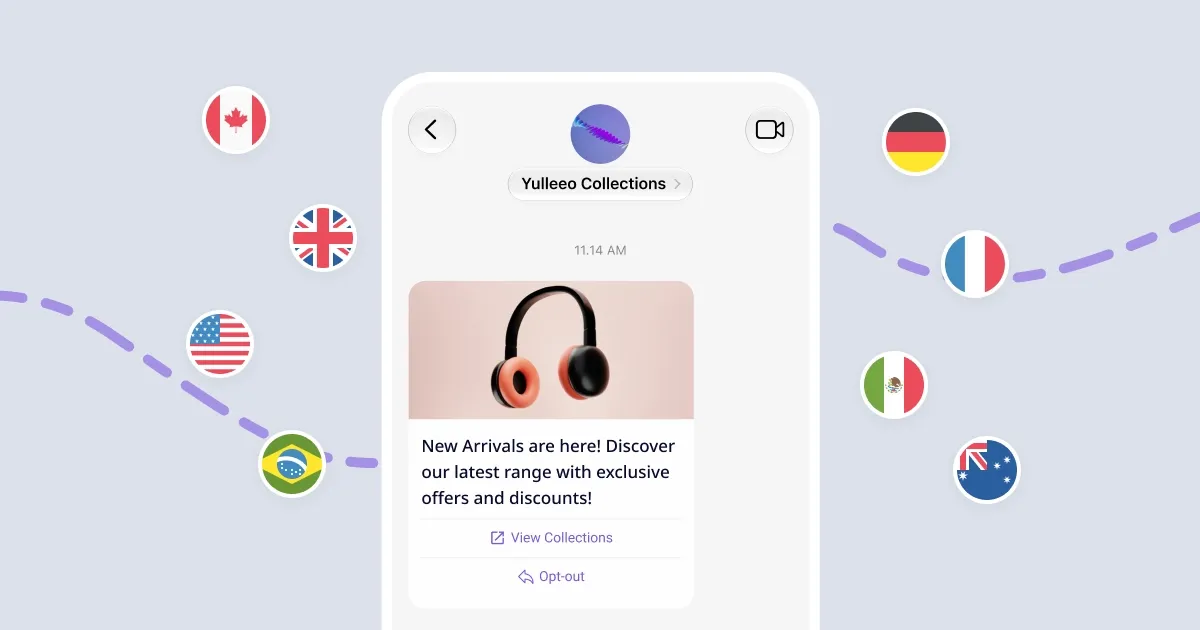
See where you can launch your RCS agent and what to expect during verification. Availability depends on the country and mobile network you are messaging, not where your business is based.
Create and test your agent now
You can create your RCS agent in Kudosity and test it on an RCS-enabled Android phone, even if RCS business messaging isn’t yet available for launch in your country. Simply add the phone as a test device and accept the invitation.
The availability below applies to launching your agent to message customers beyond your test devices, not to creating and testing it.
Country availability
Available for launch means you can submit an RCS agent for approval on supported networks in that country. It does not mean every network or device in the country can receive RCS messages.
| Country | Hosting region | Launch availability | Mobile networks |
|---|---|---|---|
| Australia | Asia Pacific | Not yet available for launch | Telstra (planned) |
| Brazil | North America | Available for launch | Participating networks through ABR Telecom; individual networks to be confirmed |
| Canada | North America | Available for launch | TELUS; Bell to be confirmed |
| France | Europe | Available for launch | Orange, Bouygues Telecom, Free Mobile, SFR |
| Germany | Europe | Available for launch | Telekom Deutschland, O2, Vodafone, 1&1 |
| India | Asia Pacific | Available for launch | VI (Vodafone India), with nationwide operator coverage |
| Indonesia | Asia Pacific | Available for launch | Telkomsel |
| Mexico | North America | Available for launch | Telcel, AT&T, Movistar, Altan |
| Singapore | Asia Pacific | Available for launch | Singtel |
| United Kingdom | Europe | Available for launch | O2, Three, Vodafone, BT/EE |
| United States | North America | Available for launch | AT&T, T-Mobile and Verizon; launch availability on individual networks to be confirmed |
Australia: Telstra is working to enable RCS, with business-messaging launch timing to be confirmed. You can create and test your agent in the meantime.
Not all countries are shown. Contact your Kudosity representative for the full list of supported countries and networks.
Hosting region
When you create an RCS agent you choose one of three hosting regions: North America, Europe or Asia Pacific. The region is where your agent operates from and where it stores its data, and it cannot be changed after the agent is created.
Choose the region by the regulations that apply to you and by proximity to the people you message. If your customers are outside those three regions, pick the closest one: Latin America uses North America, and Africa uses Europe. The hosting region does not limit which countries or mobile networks you can launch in.
The Hosting region column in the table above shows the region to choose for each country.
Verification and launch
Once you request launch, the Kudosity team will contact you and guide you through verification and approval for your chosen countries and mobile networks.
You may be asked to provide business and brand details, describe the messages you plan to send, and explain how customers agree to receive messages and unsubscribe. We’ll let you know whether any additional information, forms or confirmation from your business are needed.
Requirements and approval times vary by country and network and can change. We’ll confirm what’s needed for your launch and keep you informed throughout the process.
For agent setup and testing instructions, see the RCS Onboarding Guide →